Detail A
Check the video against the transcript
The plan is to match video to transcript lines for you to check. We will report accuracy only after testing.
Being designed so you can confirm designations and clips.
Your request is saved.
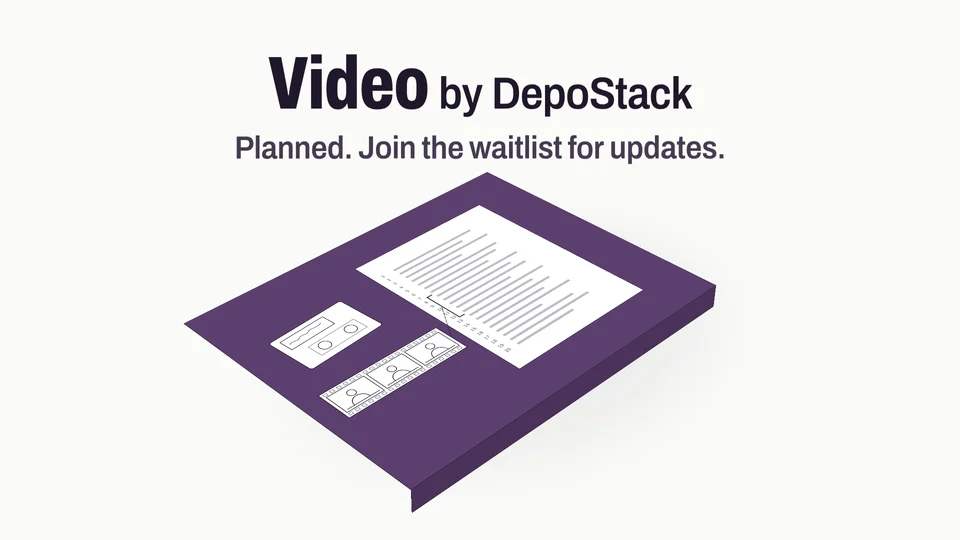
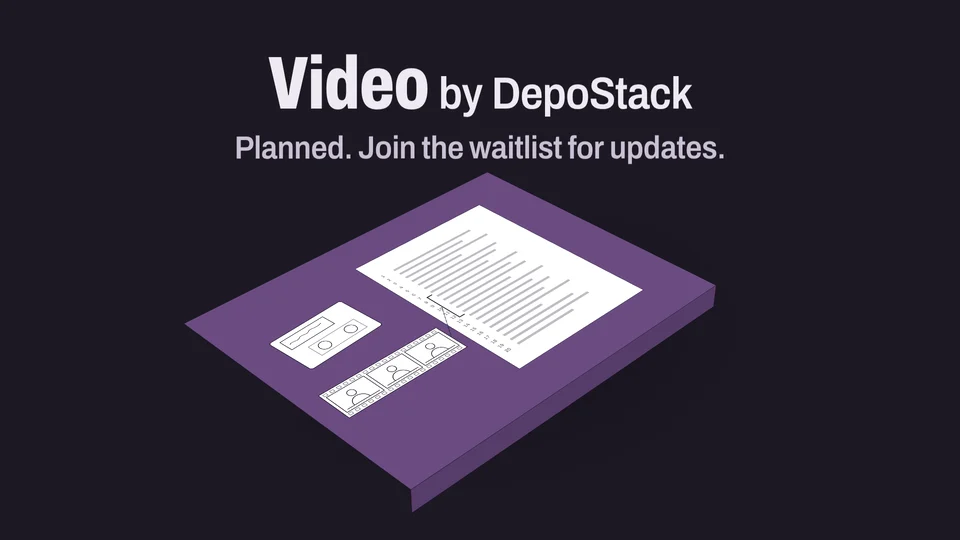
Syncing deposition video moves among separate tools and review passes.
Detail A
The plan is to match video to transcript lines for you to check. We will report accuracy only after testing.
Detail B
Designations, counter-designations, and clips are designed to come only from ranges you confirm.
Detail C
Transcript editing and certification remain outside the video workflow.
Concept drawings of the planned work. There is no app to try yet.
Software can take the mechanical work. The judgment, the authority, and the record stay with the professional.
In this sketch of the proposed workflow, each line keeps its place in the footage. You set the range, and no clip is made until you confirm it.
Synthetic testimonySample record, not a real case. A sketch of the proposed workflow: the frame is drawn, and no video plays.
Range 12:5 to 12:6 confirmed. Clip 10:51:41 to 10:51:47.
Click a line, then Shift-click or drag to extend. On a touch screen, tap a line and use Set in or Set out. Keys: arrows move, Shift with an arrow extends, Space picks one line.
Before asking for files, we will explain which video, audio, and transcript formats you can use.
The planned app would use AI to match video to transcript lines. You check the match and choose the passage for a clip or designation.
We will test the saved clips and file packages before offering them. You would still check the results before delivery.
The reporter certifies. The software never does.
Help us choose the file types, review steps, and designation tools that fit your work.
Review the plan before relying on a delivery time or support for your computers.
We have not announced supported file types yet. After testing, we will explain which computers and files you can use and which files you can save.
The app is still being designed. Join the waitlist for updates. Testing access, supported files, and a release date have not been announced.
No. The reporter stays the certifying authority, and no DepoStack tool certifies a transcript. The software prepares, aligns, and flags; a professional reviews and decides.
We email you a link to confirm your address. No updates are sent unless this address is confirmed, and the link expires in 48 hours.
We plan both online and desktop versions. Exhibits v0.2.2 is a Preview for Windows and Mac. The browser demonstration shows the controls; use the desktop app to save marked PDFs. We will confirm other products’ computer and browser support before testing.
We want you to be able to take your work with you. Before each product launches, we will explain which files you can open and save, where your work is kept, how long it is kept, and what can be deleted.
Before we charge for a product, we will explain its price, how often you pay, how to cancel, and what happens when testing ends. There is nothing to buy on this site today.
One proceeding runs through every layer as one record: the same pages and lines, exhibits, and timecodes.
First-person lessons from modernizing a 45-year-old court reporting firm: what breaks in the field, what reporters ask for, and how to keep their trust.